System Log overview
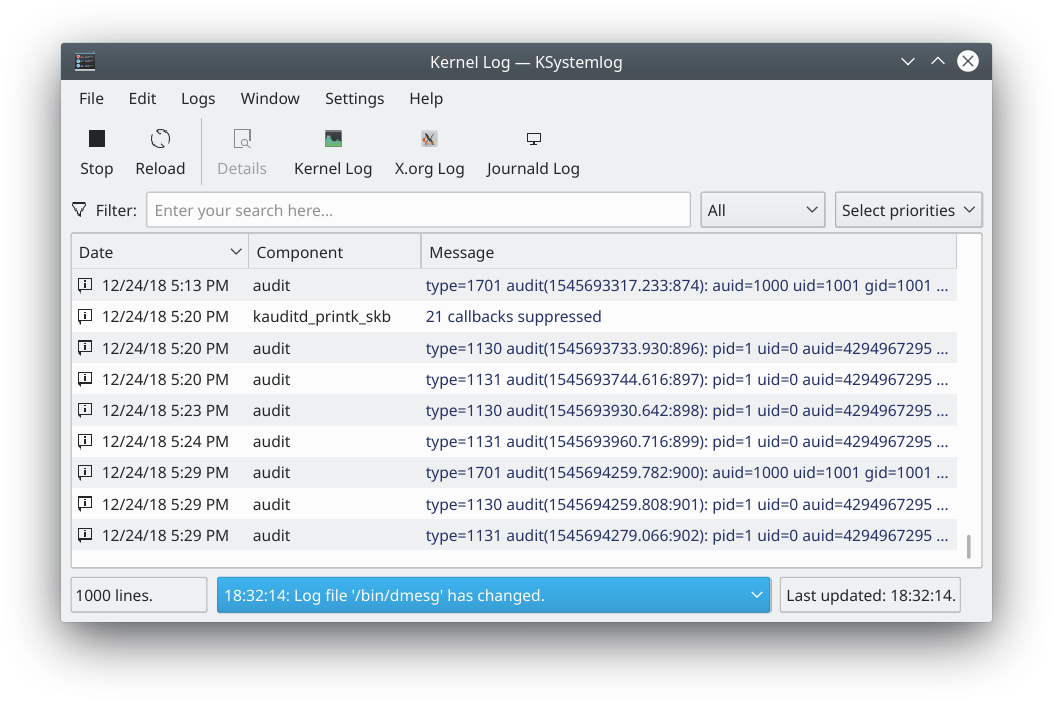
System Log is a log viewer developed for beginners, who may not know how to find information about their system or where the log files are. The System Log page describes it in full.
System Log has the following features:
- Shows all the logs of your system, grouped into general ones (the default system log, authentication, kernel, X.org and so on) and optional services (Apache, CUPS and so on)
- Colors log lines according to their severity
- Tabs, to display several logs at the same time
- Shows new lines automatically as they are logged
- Fast parsing and reading (more than 10,000 lines every 5 seconds)
- Detailed information for each log line
- A quick filter
- Sends a log message to the system by hand
- Saving, copying to the clipboard and printing
It can read these logs on your system: Acpid, Apache, Audit, authentication, Cron, CUPS, daemon, Journald, kernel, Postfix, Samba, system, X.org and X session logs.