Pager
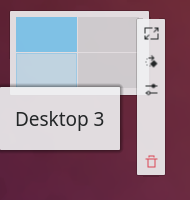
The Pager is a widget that helps you organize virtual desktops. It gives a small preview of each virtual desktop, with rectangles that represent the windows on that desktop. Click a preview to switch to that desktop. Hover over a preview to see a list of the applications on it. The context menu (right-click) can add a new virtual desktop or remove the last one.
The Pager also shows the arrangement of the virtual desktops, for example 2x2, 1x4 or 3x4. This arrangement influences the desktop switching animation.
Configuration
Right-click the Pager and choose Configure Pager….
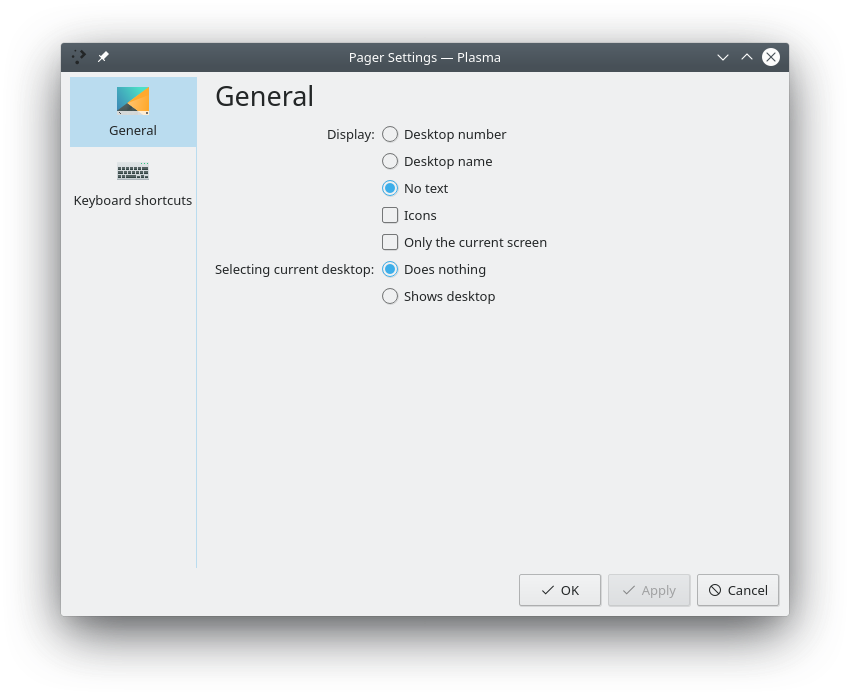
You can configure:
- General: Show window outlines, Show application icons on window outlines, Show only current screen and Navigation wraps around.
- Layout: How the desktops are arranged.
- Text display: No text, the desktop number or the desktop name.
- Selecting current virtual desktop: What happens when you click the preview of the active desktop: it does nothing, or shows the desktop.