Locations
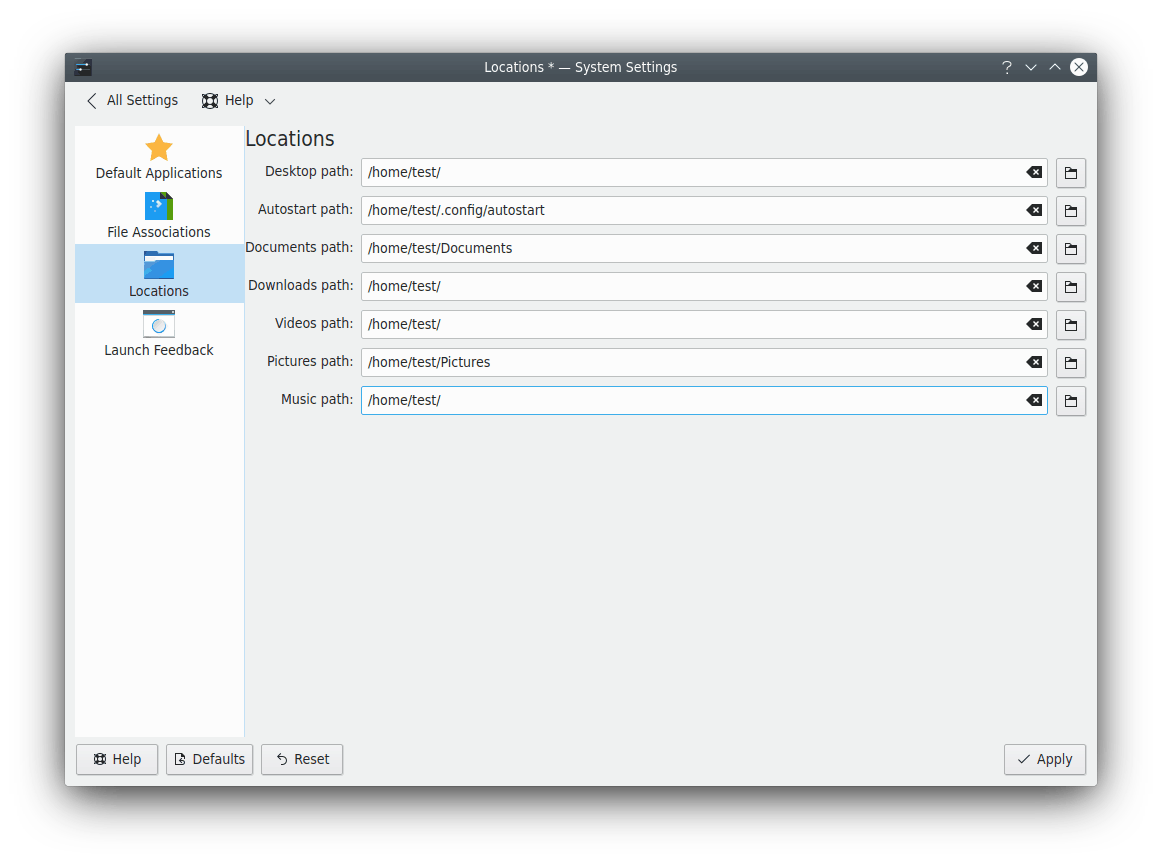
This module configures the essential folders of your desktop. Each one has a button to choose a new location.
[!NOTE] Drives that are automounted at login can't be used as paths. Such drives are reverted to defaults when the desktop restarts.
- Desktop folder: Contains all the files you see on your desktop. It's usually
~/Desktop. - Documents folder: Used by default to open and save documents.
- Downloads folder: Used by default to save your downloaded items.
- Videos folder: Used by default to open and save video files.
- Pictures folder: Used by default to open and save image files.
- Music folder: Used by default to open and save music files.
- Public folder: Used by default for publicly shared files when network sharing is turned on.
- Templates folder: Used by default to open and save file templates.
- Projects folder: Used by default to open and save projects.