Login Screen
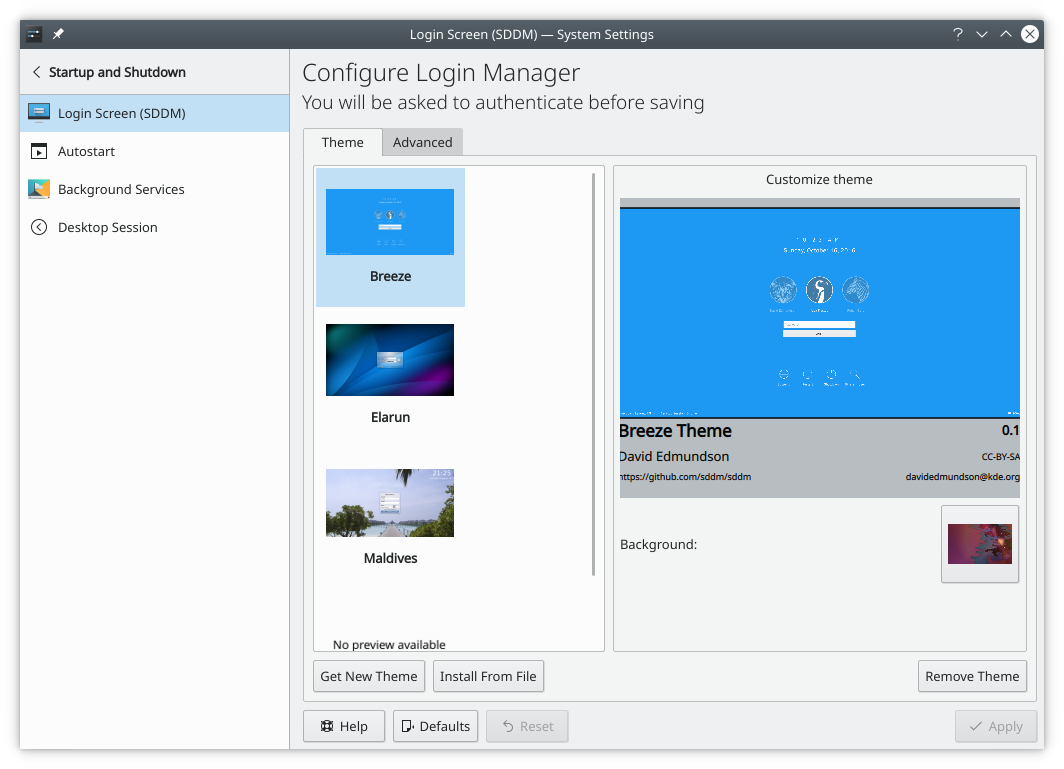
This module configures the login procedure of Sonic Login Manager.
Convenience
If you don't want to type your username and password when logging in, choose Automatically log in, then select the user and the session to start, and click Apply. Remember that anyone who can physically reach your computer then has instant access to all your data, so weigh up the risk before using this.
Desktop settings
Apply Desktop Settings… makes the login screen reflect your own customizations, such as your language and locale settings and keyboard layout. Selected user-installed themes and customizations are copied to the login screen. Reset to Default Settings undoes this.
Configure Appearance… changes how the login screen looks.