Pages
User Documentation
On this page

Users

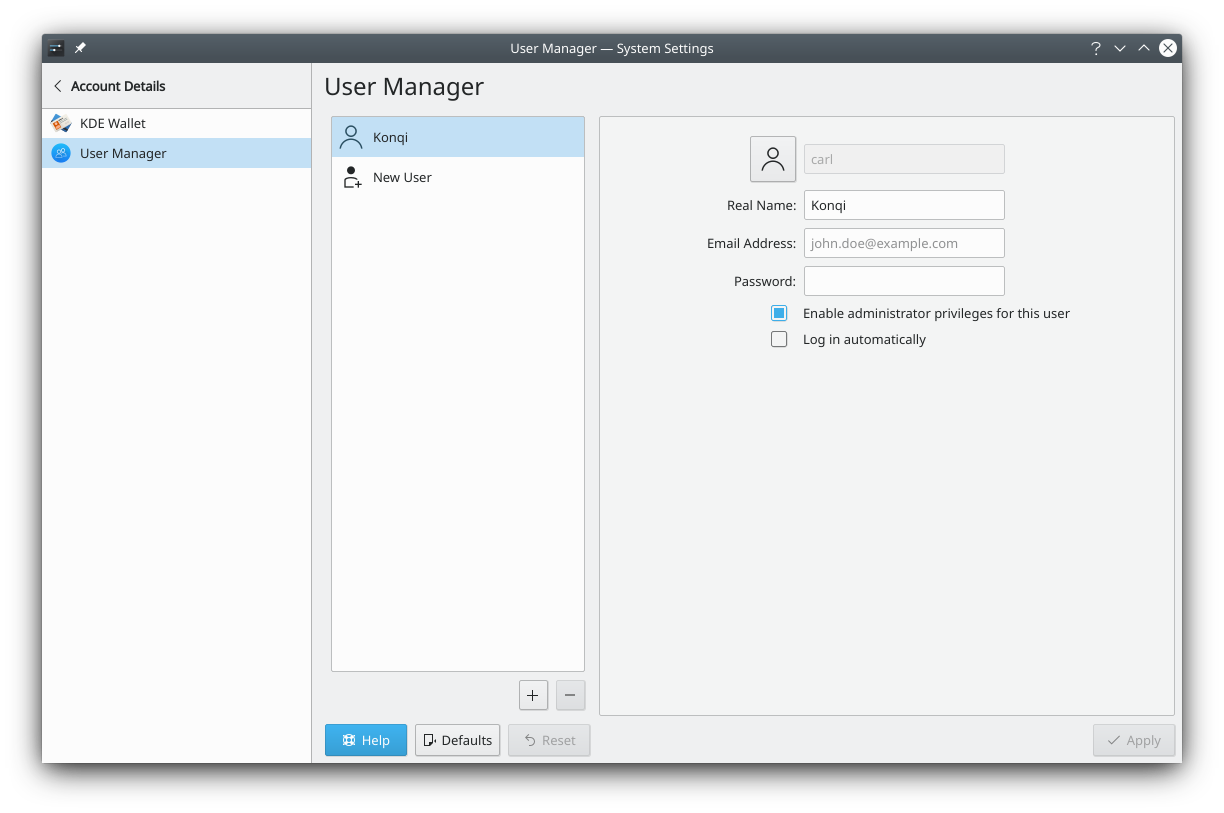
The Users module, in an older version

Here you can change your password and the picture for your account, edit your name, and manage the accounts on your computer, if you have permission.

To change your picture, click Change avatar. A window opens where you can choose one of the available images or load an image file from your computer. Once you've chosen, click Apply.

More information

Adapted for SonicDE from userbase.kde.org/System_Settings/User_Manager by KDE UserBase contributors, licensed under CC BY-SA 4.0.

Edit this page on GitHub

We use cookies to personalize content and to analyze our traffic. Please decide if you are willing to accept cookies from our website.