Display Configuration
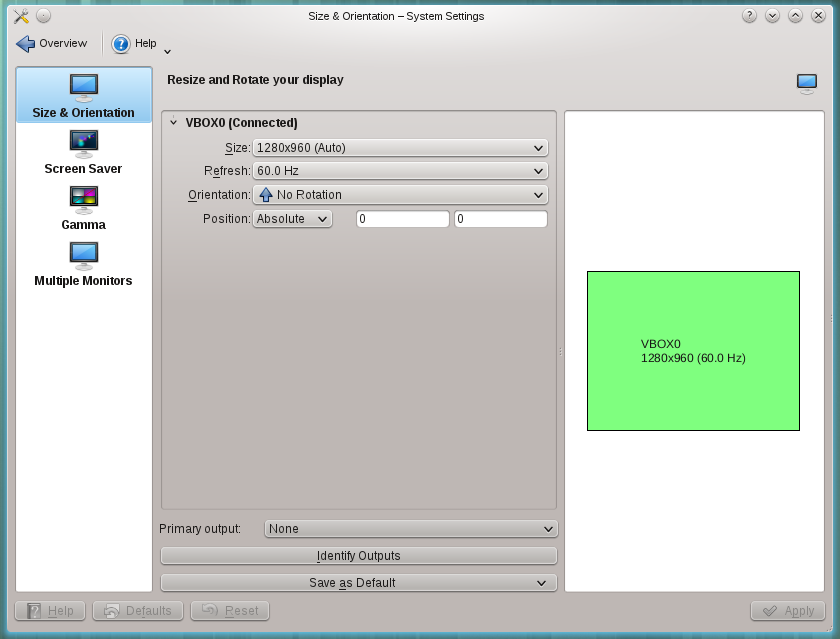
Here you can configure the physical characteristics of your screens, such as their size and orientation, and how several monitors are arranged.
After you apply a change, the module asks you to keep the new configuration. If you don't answer, it goes back to the previous one after a few seconds, so an unusable setting can't leave you stuck.
These related modules sit next to it in the Display & Monitor category:
- Gamma tweaks the way your monitor displays colors.
- Screen Locking sets when the screen locks.