Icons
Icons are used all over the desktop: on the desktop itself, in panels, in the file manager and in application toolbars. In this module you can install, choose and remove icon themes.
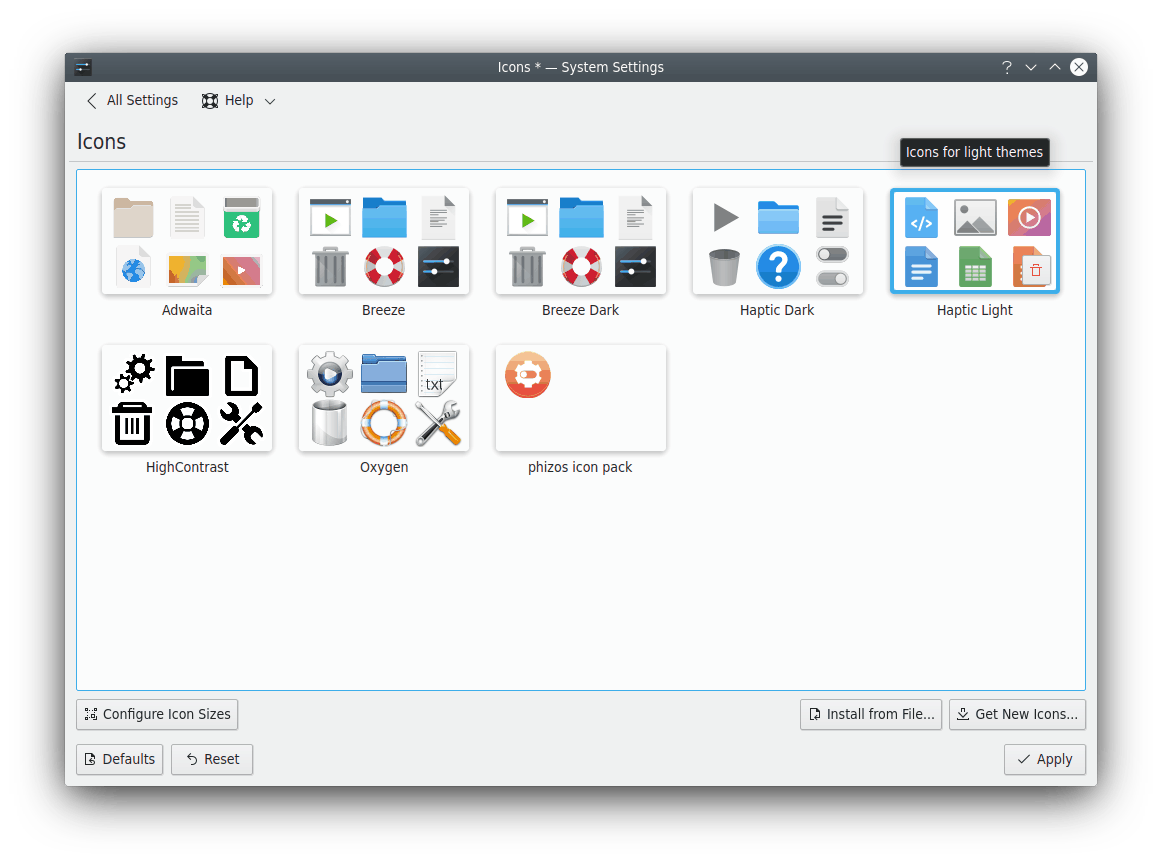
At the top is a preview of the current theme. Hovering over a theme shows an animated preview with a selection of its icons.
Hover over a theme to reveal its remove button. To undo it, click the undo button. Themes marked for removal are deleted when you click Apply, and you can't undo that. You can't delete system-installed themes or the active one.
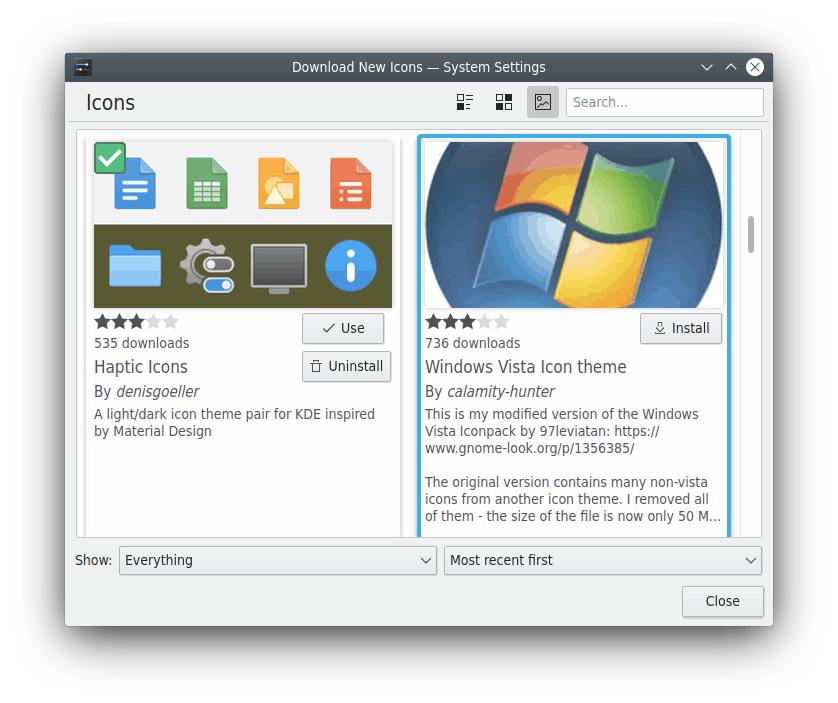
- Get New…: Needs an Internet connection. It opens a dialog to choose a new icon theme. Click Install on one, and your new theme is available as soon as you close the dialog.
- Install from File…: Opens a file dialog to point to a theme you've downloaded, as a
.tar.gzor.tar.bz2file. It's then installed and added to the list.
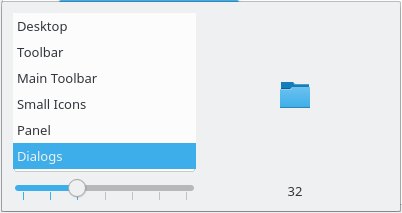
This older screenshot shows a dialog for icon sizes, which is no longer in the module: