Installing widgets
Found a new widget, but don't know how to install it? Here's how. These screenshots are older, so the dialogs look different now.
Installing from the store
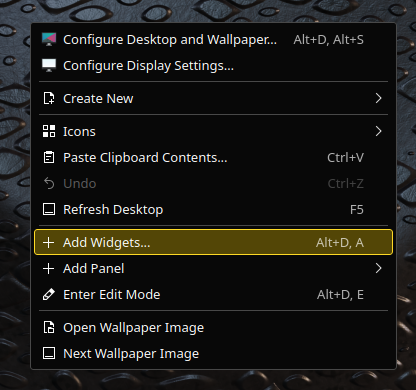
Right-click the desktop, choose Enter Edit Mode, then open Add Widgets.
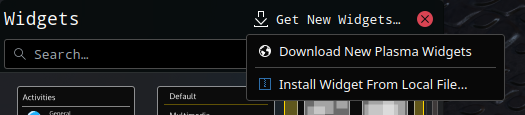
Click Get New Widgets…, then Download New Plasma Widgets.
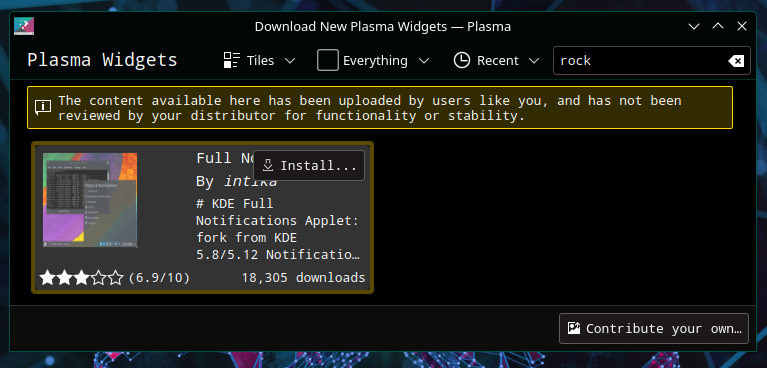
Search for the widget you want and click Install.
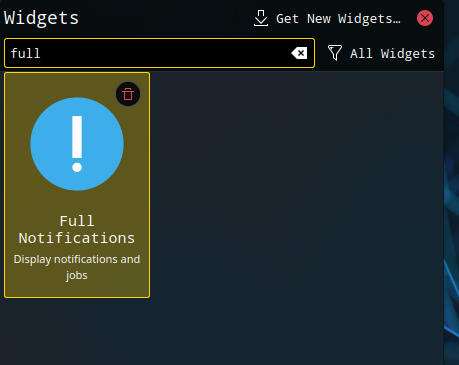
Drag the installed widget to the desktop or a panel as usual.
Installing from a local file
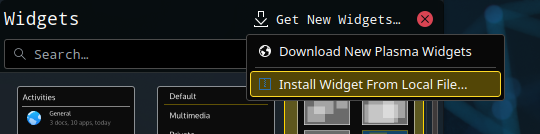
Open Add Widgets as above, click Get New Widgets…, then Install Widget From Local File….
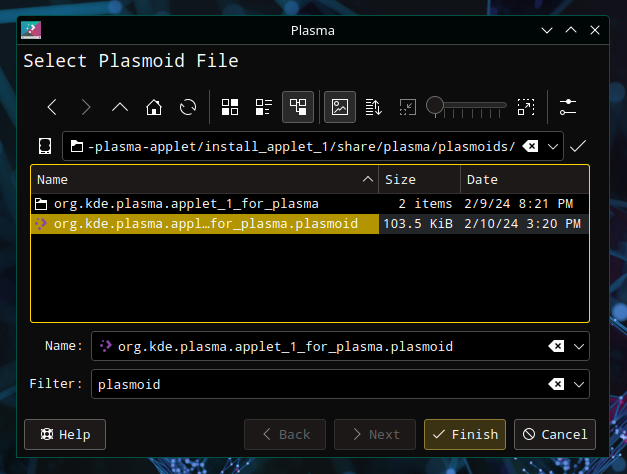
Select a local file and click Finish.
Installing from a terminal
To install a widget from Terminal, type:
kpackagetool6 -t Plasma/Applet -i widget-file-name.plasmoid