Changing the desktop language
SonicDE and many other applications are offered in multiple languages. If you aren't familiar with English, or you prefer your native language, you can change your system's language.
These older screenshots show the separate modules from before they were merged into Region & Language.
Language
To change the language, open the Region & Language module and go to the Language entry.
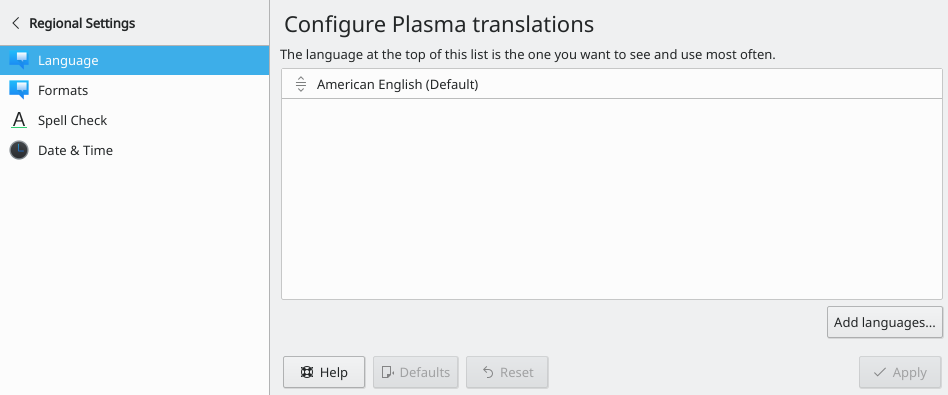
To add a language, click Modify…, then Add More…. A dialog lists the languages you can add, and you can add several at once.
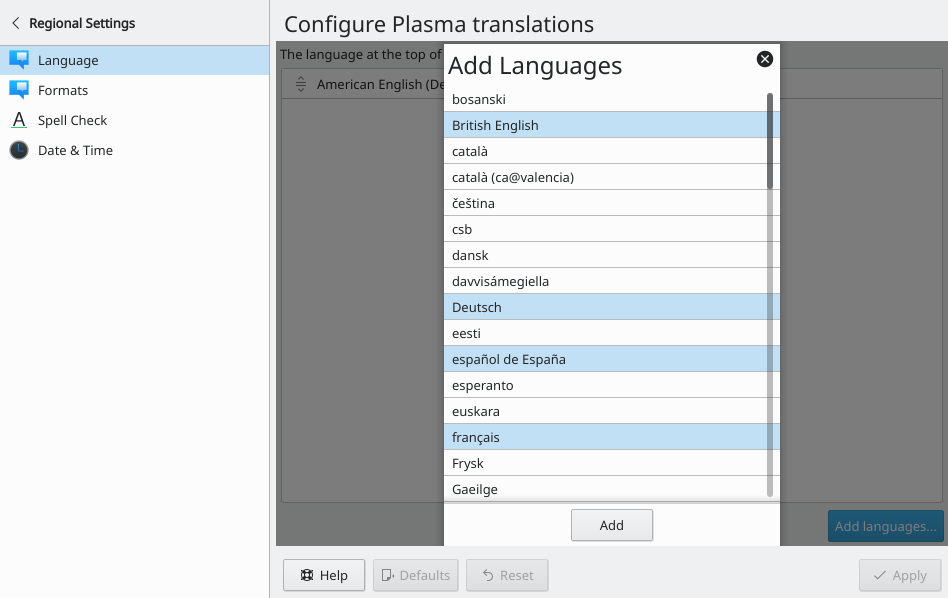
Confirm your selection by clicking Add.
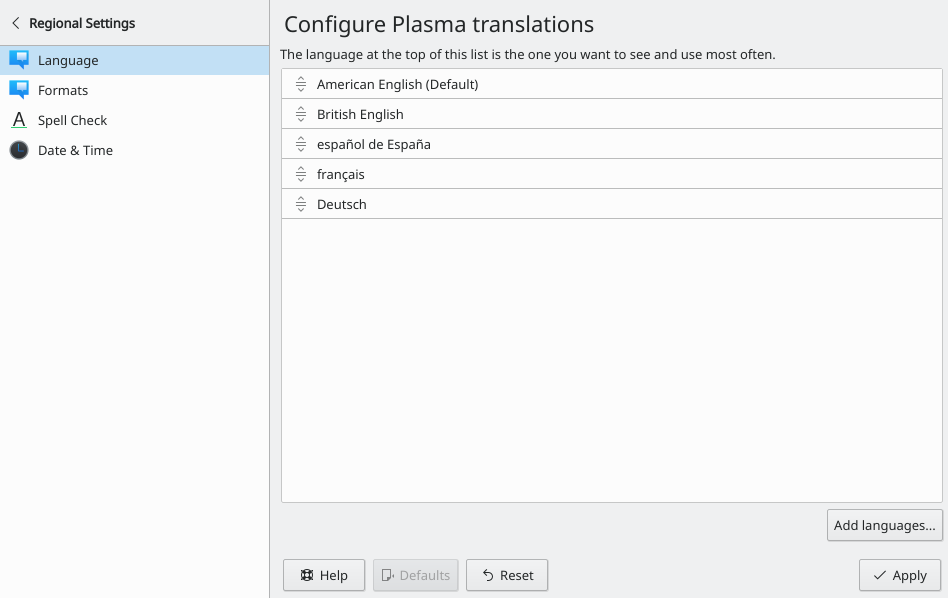
Choose the language you want to use by dragging it to the top of the list.
You'll see the change the next time you log in.
Formats
Once you've set the language, you still need to change the formats for currency, numbers, the time and so on. This is in the same module.
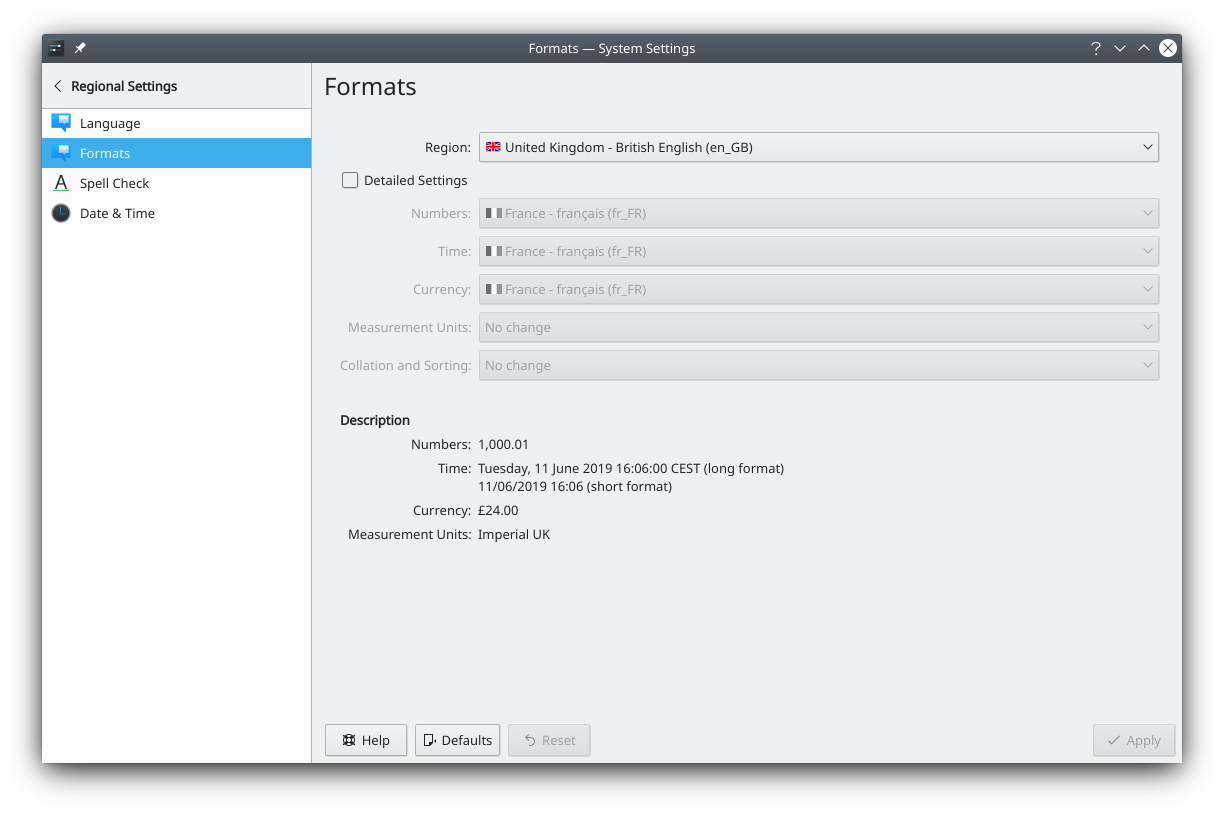
You can use the formats of a region, or set Numbers, Time, Currency and others individually.
Don't forget to click Apply to save your configuration.