Pointers
This module lets you select a pointer theme and configure an animation for launching applications. Some features may not be available on some systems.
Pointer themes
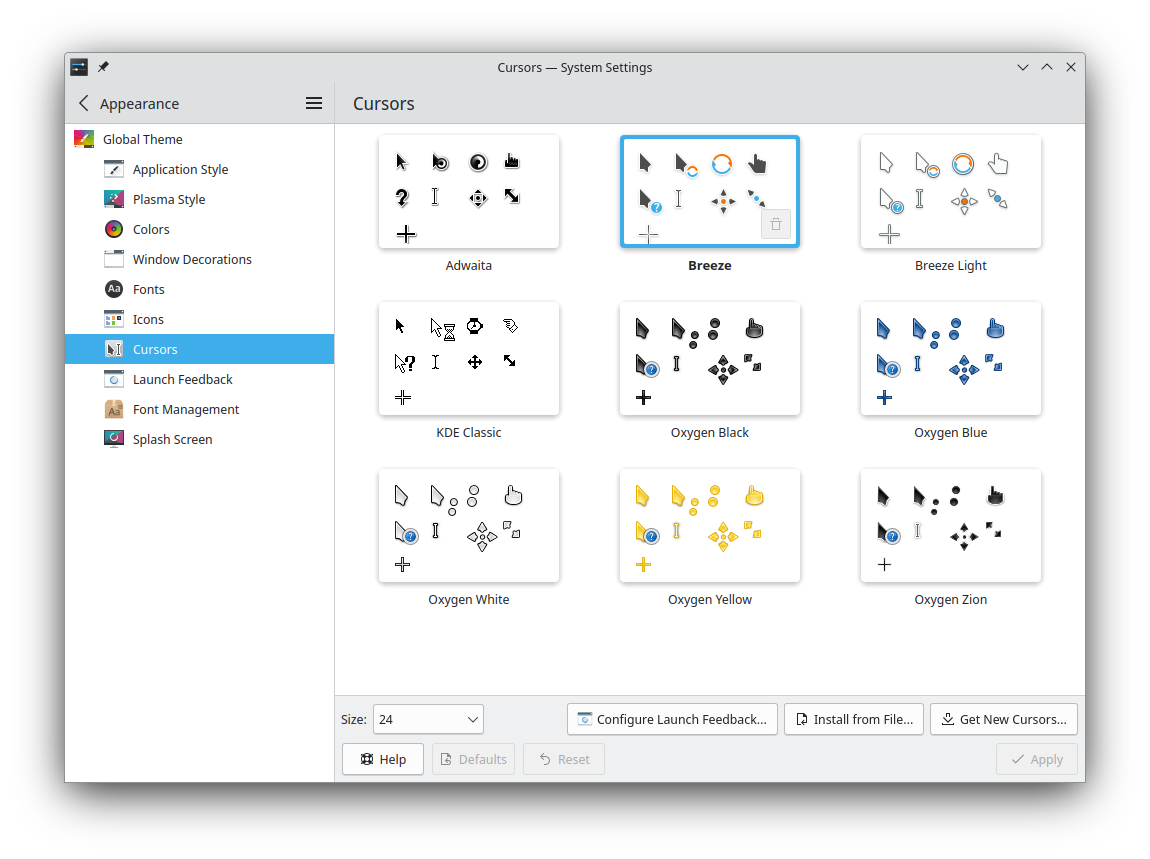
To use a pointer theme, select it and click Apply.
Hover over a theme in the list to reveal its remove button. You can't remove system-installed themes or the active one.
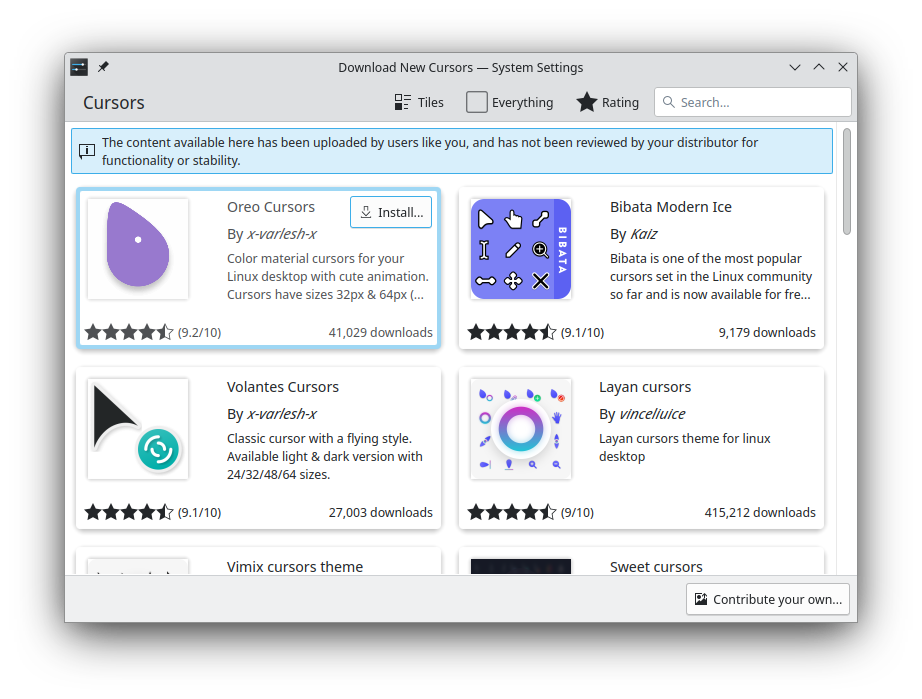
Get New… downloads more themes from the Internet, and Install from File… installs theme files you've downloaded or otherwise obtained.
If you'd like to create your own theme, see Create your own mouse cursor theme.
Pointer size
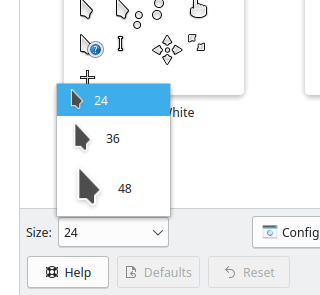
Some themes let you choose a size. Use the Size field to select it.
Launch feedback
Sometimes it's reassuring to know your computer didn't just ignore you and something is happening behind the scenes. Configure Launch Feedback… sets the visible feedback when you start an application.
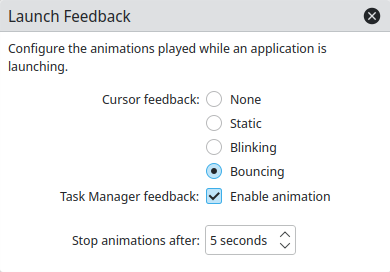
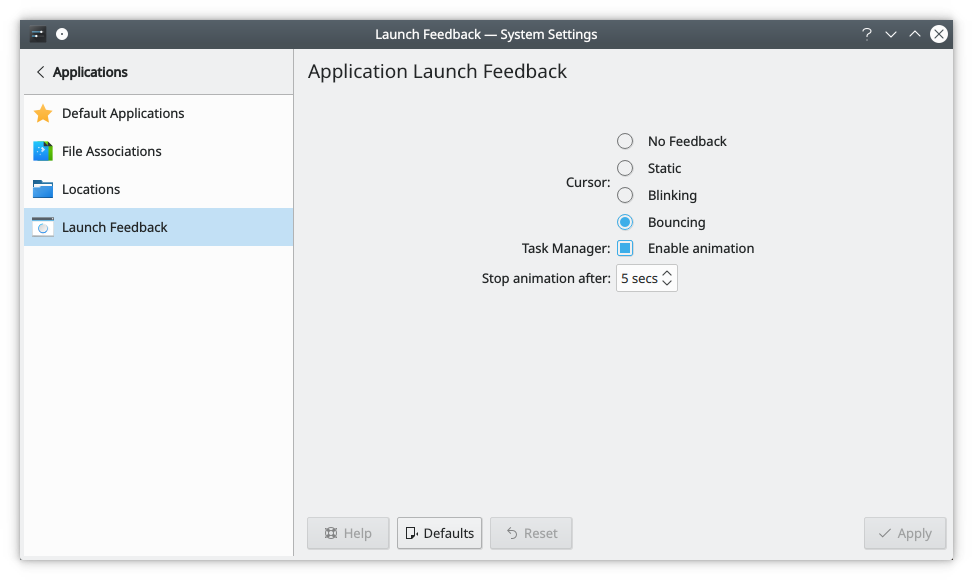
- Pointer feedback: Attaches an icon to the pointer for a short time while an application launches. Choose None, Static, Blinking or Bouncing, which is the default.
- Task Manager feedback: Enable animation gives a starting application an immediate entry in the task manager, with an animation to show something is happening.
- Stop animations after: How long the feedback lasts, 5 seconds by default. Not every application eventually shows a window or a task manager entry: some dock in the system tray, for example. This timeout makes sure you still get feedback in those cases, and that it goes away.